Instant Team Sessions Plug-in Beta
Version 1.2.181 · October 12, 2026
What's new in the plug-in
Captured from the real plug-in controls in our offline test harness using synthetic users, rooms and messages. Preview version labels may show the source baseline rather than the downloadable build.
Main chat window
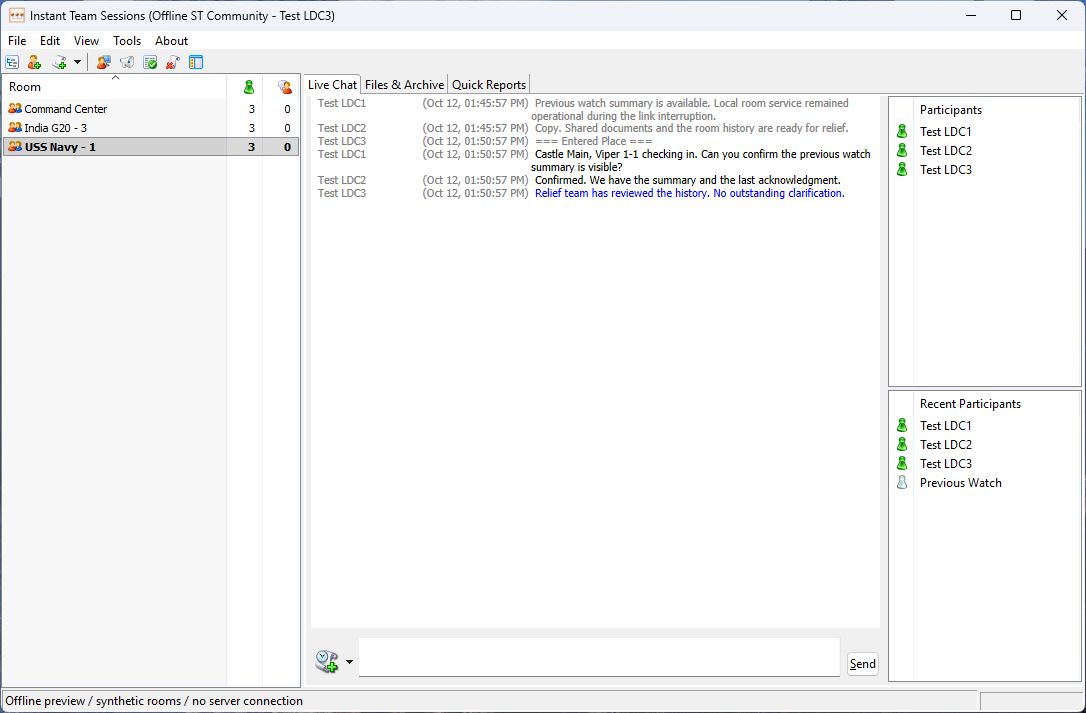
Room list, participants & message entry
Sortable room and count columns, streamlined participant panels, a taller message composer, and View controls for the surrounding panels and bars.
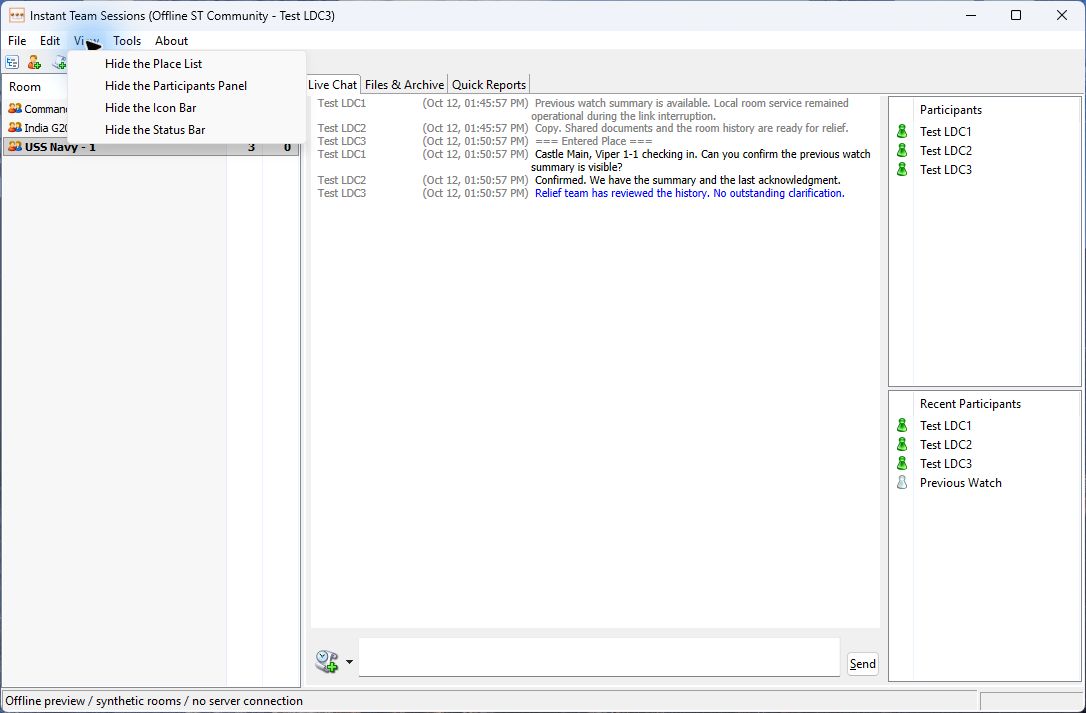
View menu
Show or hide the Place List, Participants Panel, Icon Bar and Status Bar independently.
Preferences
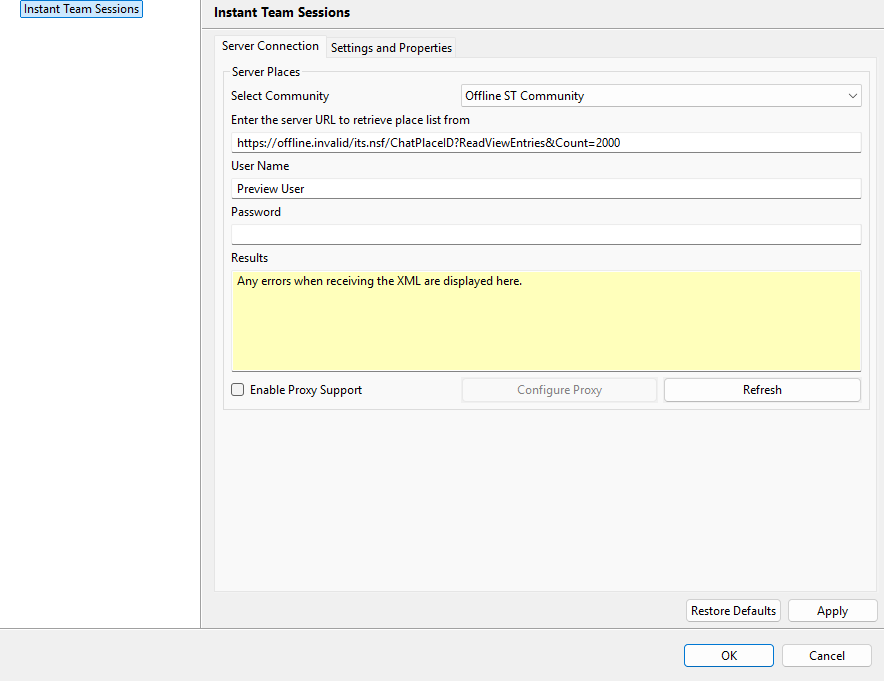
Server Connection
Community, server URL, credentials and proxy settings together, with a larger Results area.
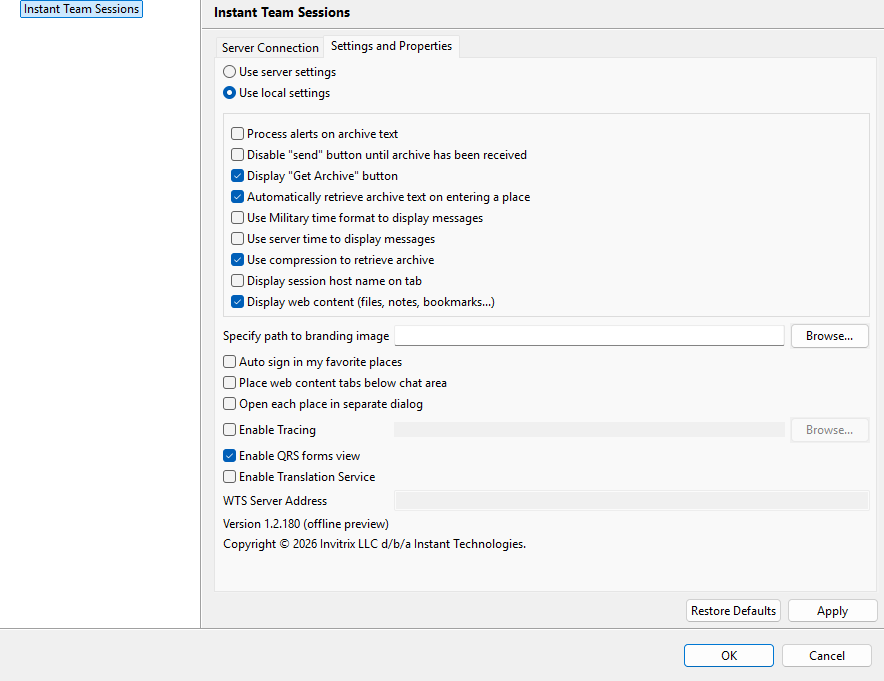
Settings and Properties
Application options on their own tab. OK saves changes without requiring Apply first.
Opening rooms
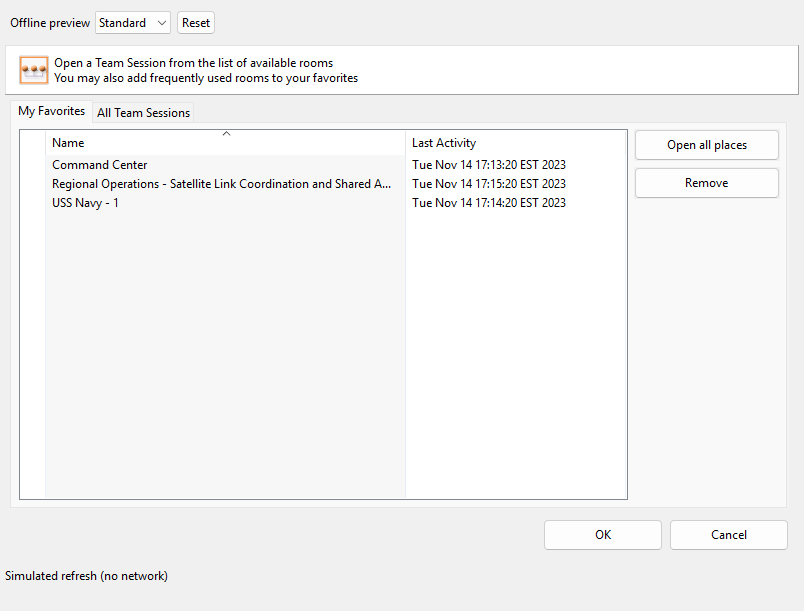
My Favorites
Room names and last activity use consistent column widths. Favorite changes take effect without closing the dialog.
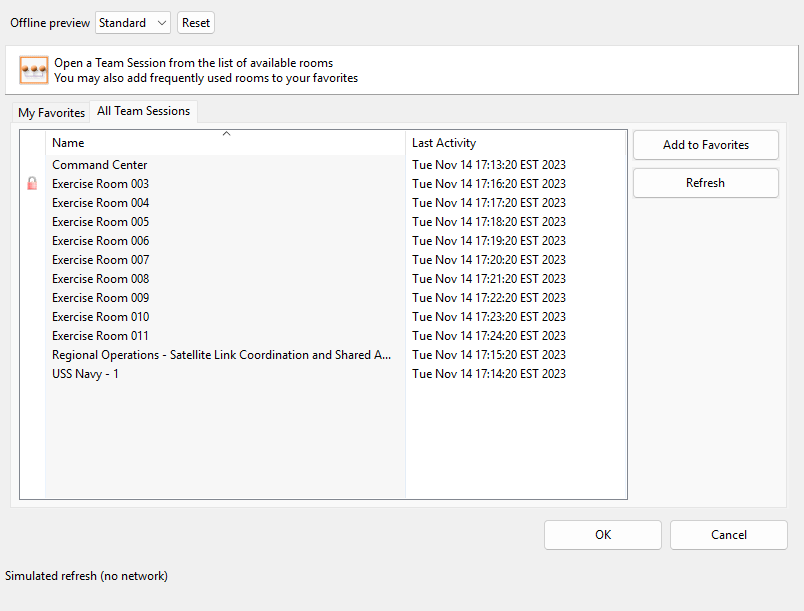
All Team Sessions
The complete room list includes the same last-activity information and layout as Favorites.
Updated dialogs
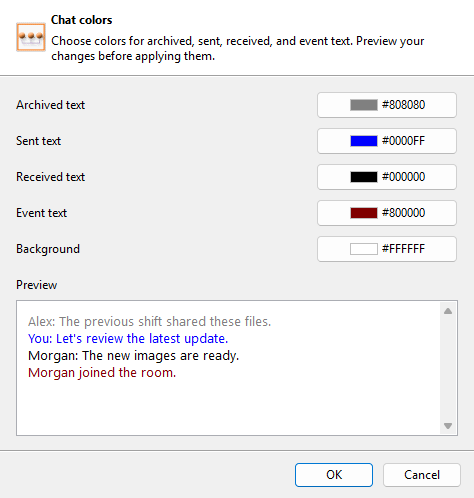
Colors
A concise header and consistent action footer around the chat color settings.
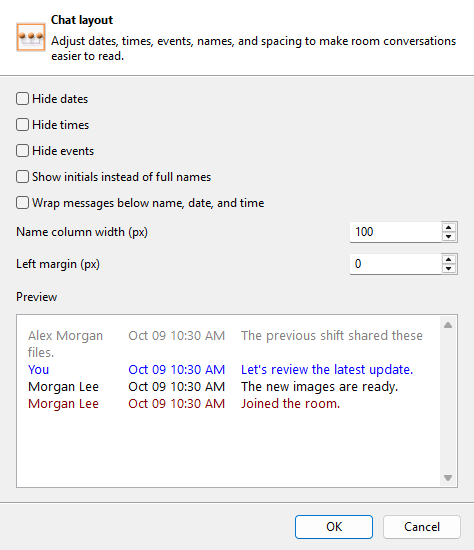
Layout
Updated spacing and a standard button footer for chat layout options.
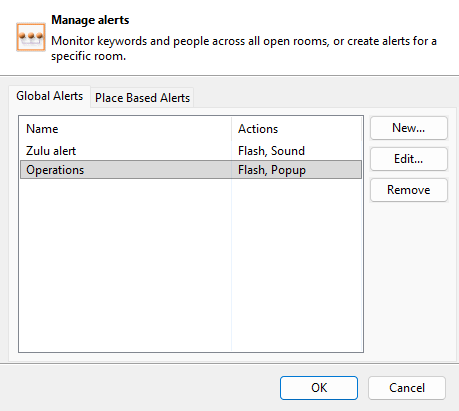
Global Alerts
Simplified alert columns with consistent controls and action buttons.
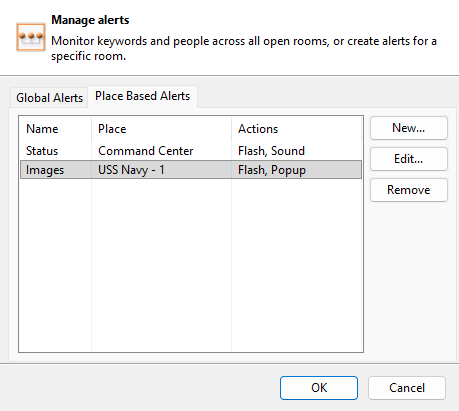
Place Based Alerts
Room-specific alerts use the same streamlined list and dialog layout.
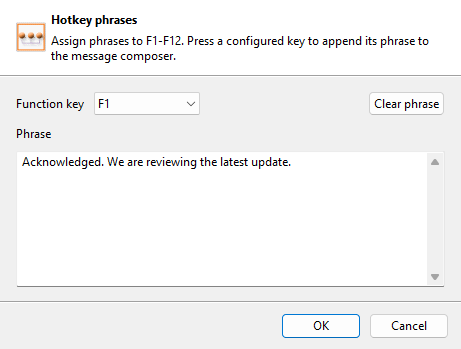
Hotkeys
Cleaner function-key selection, phrase entry, sizing and button spacing.
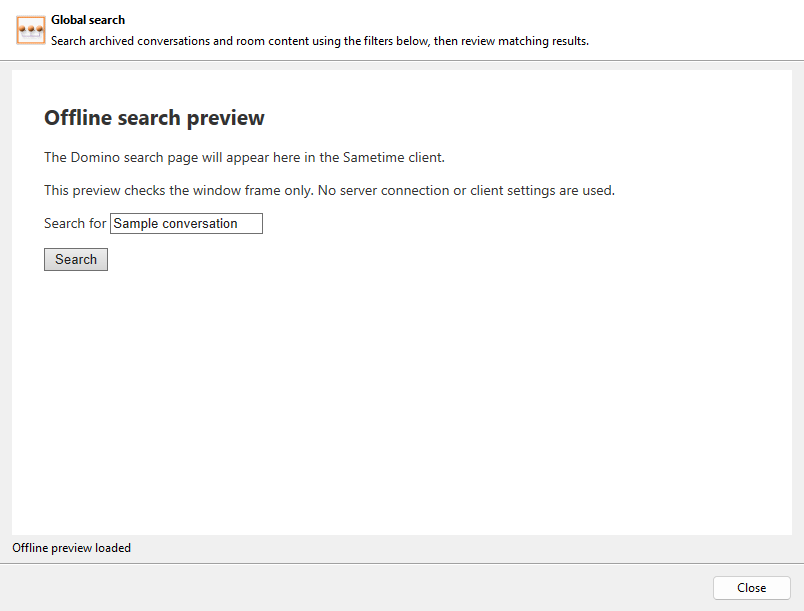
Global Search
A consistent dialog frame around the browser-hosted search page. The offline placeholder stands in for the unchanged database search interface.
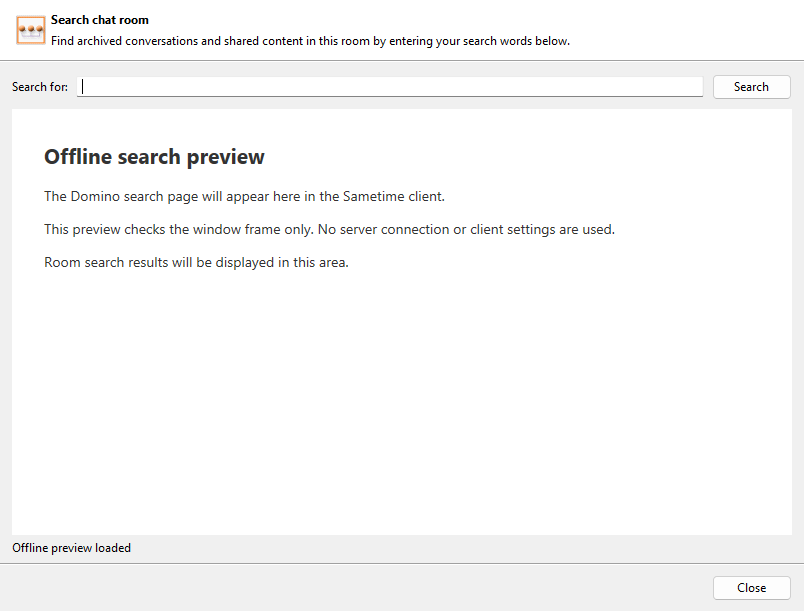
Search Chat Rooms
Room search uses the updated dialog header, spacing and action footer. Search results are represented by an offline placeholder.
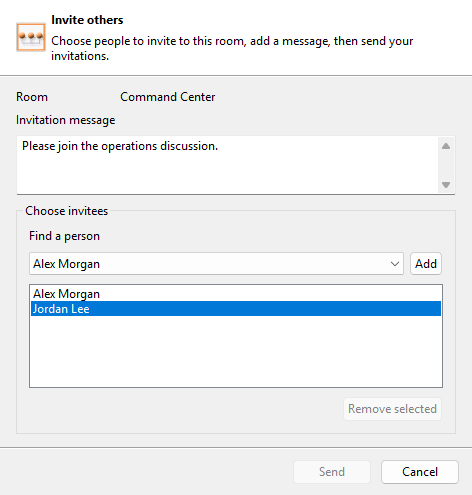
Invite Others
Room context, invitation text and invitee selection in a cleaner layout with Send and Cancel in the footer.
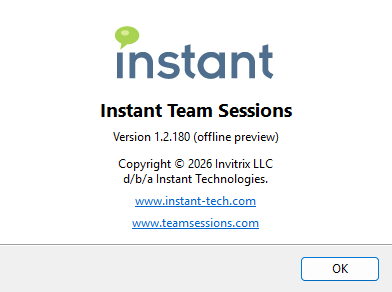
About Instant Team Sessions
Centered branding, updated copyright, version information and both product website links.
Before installing
Retain the previous plug-in package and back up your client settings. The beta uses the existing plug-in identity and upgrades the installed version. It cannot run alongside version 1.0.166 in the same client. Use separate VMs with separate settings for side-by-side comparison.
Install in a test client
- Download and extract the ZIP into a new folder. It contains
site.xml,features,plugins, andbuild-info.json. - In Sametime Connect, open Tools > Plug-ins > Install Plug-ins. Choose the option to install new features.
- Choose Add Folder Location and select the extracted folder containing
site.xml. - Select Instant Team Sessions and complete the wizard, subject to your organization's security policy. If installation is blocked by signing or compatibility requirements, stop and contact support.
- Restart Sametime. Open the Instant Team Sessions About dialog and verify version 1.2.181.
What to test
The 2026 update refreshes the main chat window, room list, participant panels, message entry, View menu, preferences, About, and owned dialogs.
- Community login, room discovery, joining and leaving, and reconnect behavior.
- Live messaging, multiline entry and resizing, unread indicators, and archived history without false new-content indicators.
- Participant chat and context menus, files, invitations, alerts, hotkeys, searches, colors, and layout settings.
- Server Connection and Settings and Properties tabs. OK should save without requiring Apply. Verify settings after restarting.
Rollback and feedback
The safest rollback is to restore your test VM snapshot. Otherwise, remove the beta through Sametime plug-in management, restart, and reinstall the retained previous package. Do not assume an older package will install over a newer one.
Send feedback to support@instant-tech.com with the plug-in version, Sametime version, operating system, reproduction steps, and a screenshot. Remove passwords and sensitive room content from any attachments.