See the room before you switch.
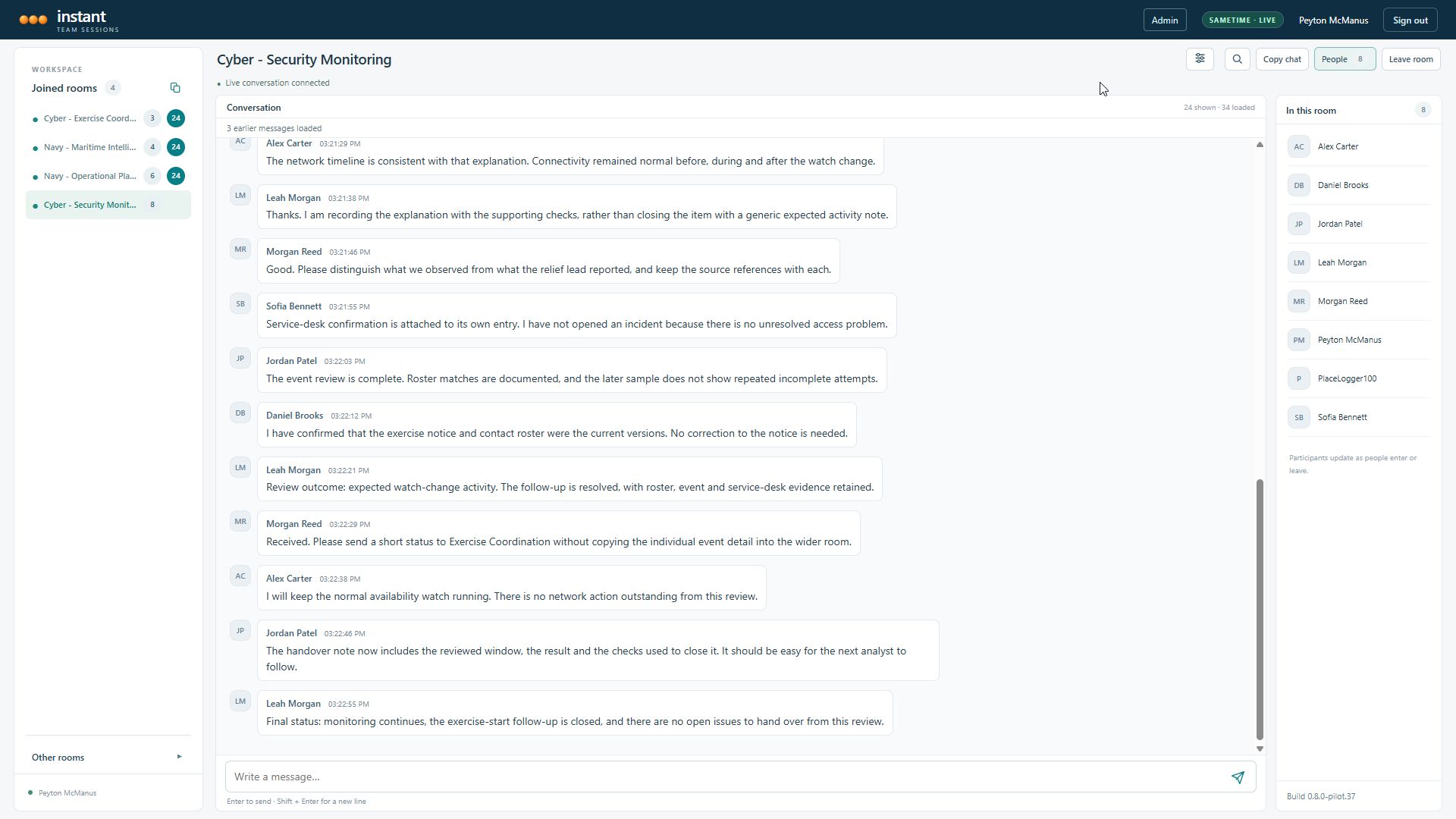
Participant counts and unread badges keep activity visible. Preview the latest 5, 10 or 20 messages without leaving your current room.
INSTANT TEAM SESSIONS BETA PREVIEW
Stay close to the conversation. Move between live rooms, see who is there, and pick up where your team left off.
Instant Team Sessions Browser Client (beta)
LESS SWITCHING. MORE SHARED CONTEXT.
The persistent rooms your team relies on, with a browser experience designed for the way people follow several conversations at once.
Participant counts and unread badges keep activity visible. Preview the latest 5, 10 or 20 messages without leaving your current room.
Find text in the loaded conversation or filter messages by selected users. Narrow your view while the room stays connected.
Catch up on archived conversation, see your room-entry marker, and choose whether entry and exit events appear across your rooms.
A CLOSER LOOK
Explore the live client, unread preview, user filters and display preferences. Select any image to enlarge it.
Captured from the working beta pilot. Demo accounts and scenario conversations are fictional; participant counts include the operator and archive logger. These images illustrate features, not a capacity benchmark.
YOUR TEAM. ONE SHARED SPACE.
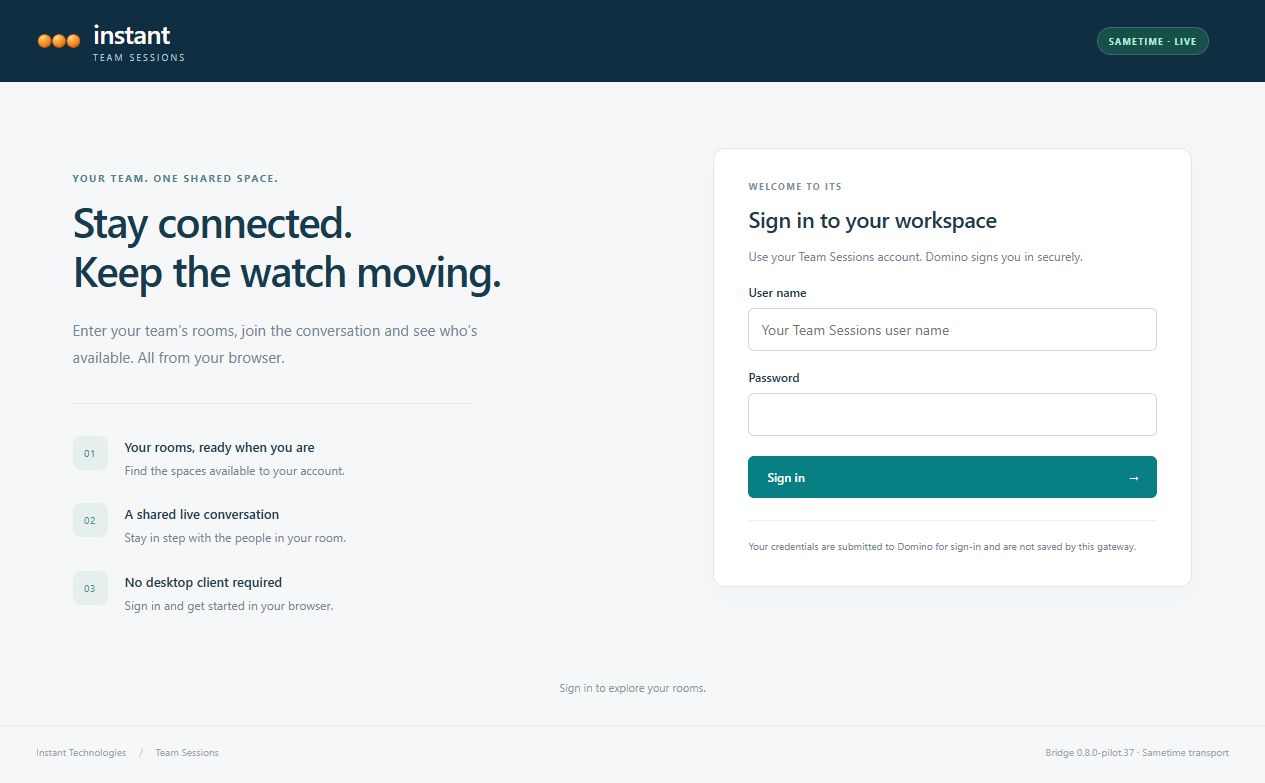
Use your Team Sessions / Domino sign-in to discover the rooms available to your account. Hidden rooms stay hidden, and visible password-protected rooms prompt for a password before entry.
The main room directory and chat workspace share authenticated HTTP room discovery. The server bridge joins Sametime places on behalf of the signed-in user.
No desktop client or Java applet is required in the browser.
FOR YOUR ENVIRONMENT
A separately managed server bridge connects the browser experience to Sametime, authenticated Domino room access and existing ITS archive services.
Current browser pilot: Sametime 11. Sametime 12 qualification is pending. Beta server distribution is being prepared.