Harbor Light · fictional watch exercise
Take over the watch at 16:50
The outgoing watch uses the Team Sessions Eclipse add-in in HCL Sametime. Leah Morgan takes over at a remote site with no one on hand to install it. She joins the same room in her browser to find the corrected timing and the brief for 17:00.
Find what changed
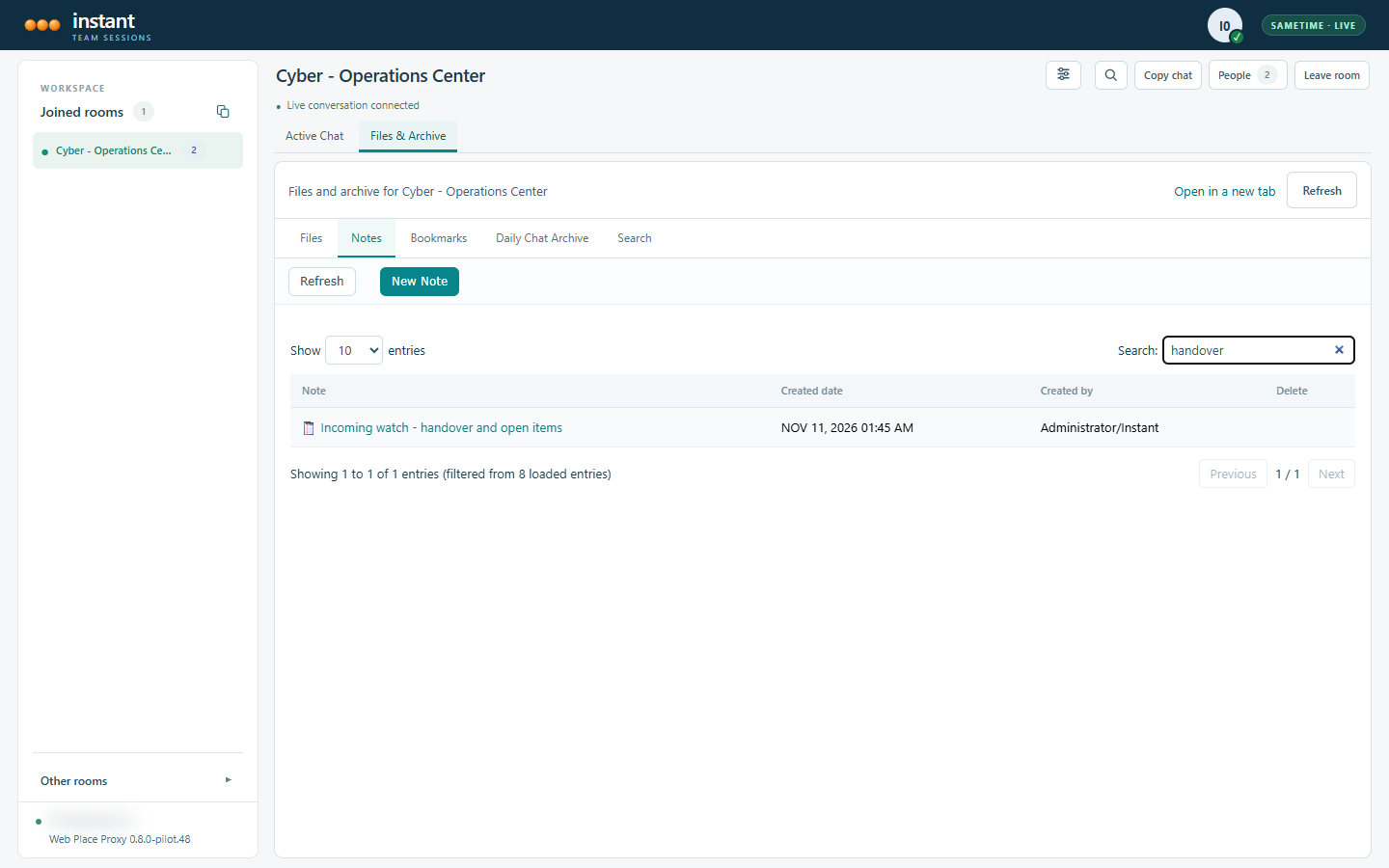
In Cyber – Operations Center, Leah opens Files & Archive and searches the room notes for “handover.” The outgoing desk has left a note titled “Incoming watch – handover and open items.” She can start there even when the latest chat message is about something else.
Check the working brief
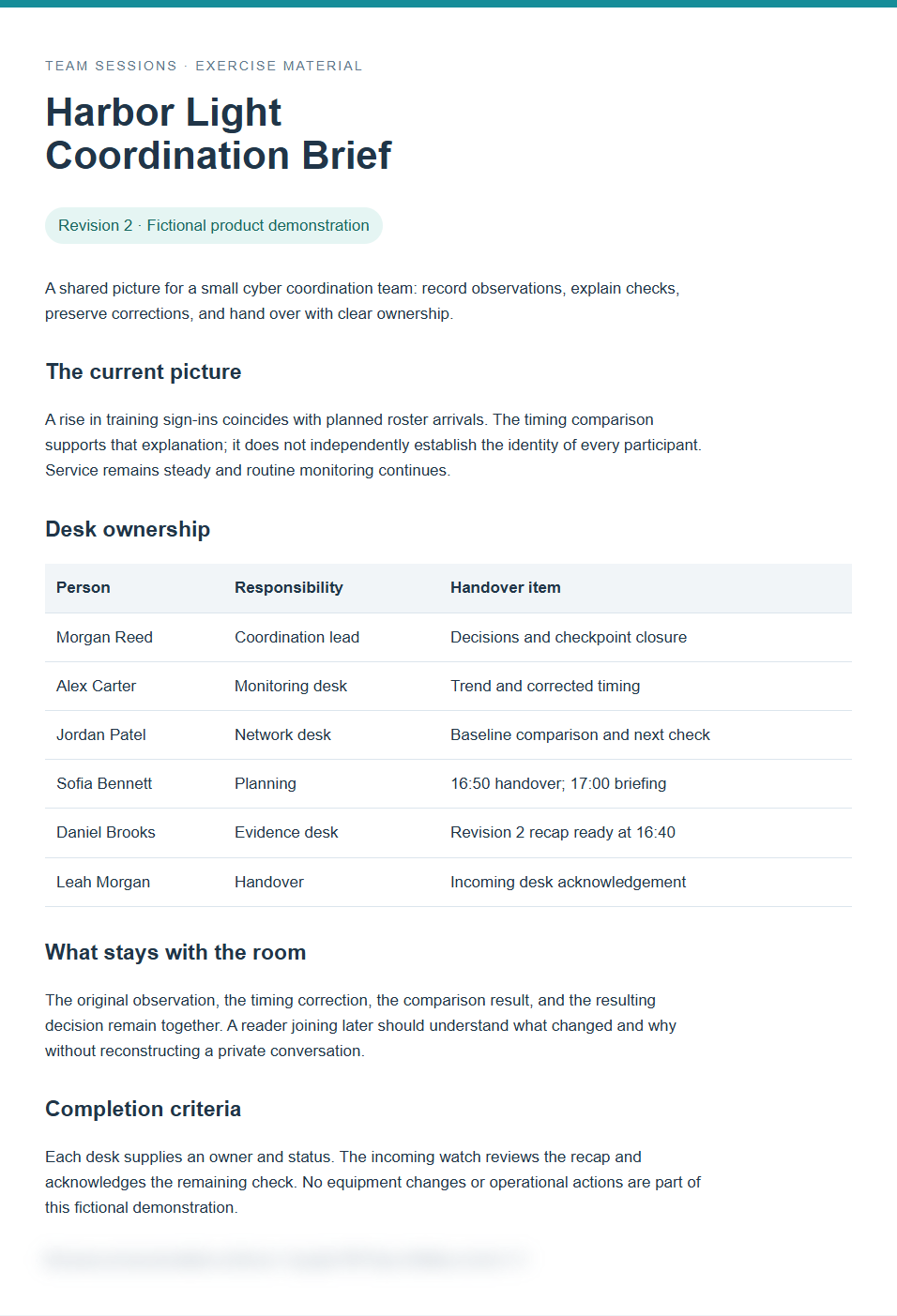
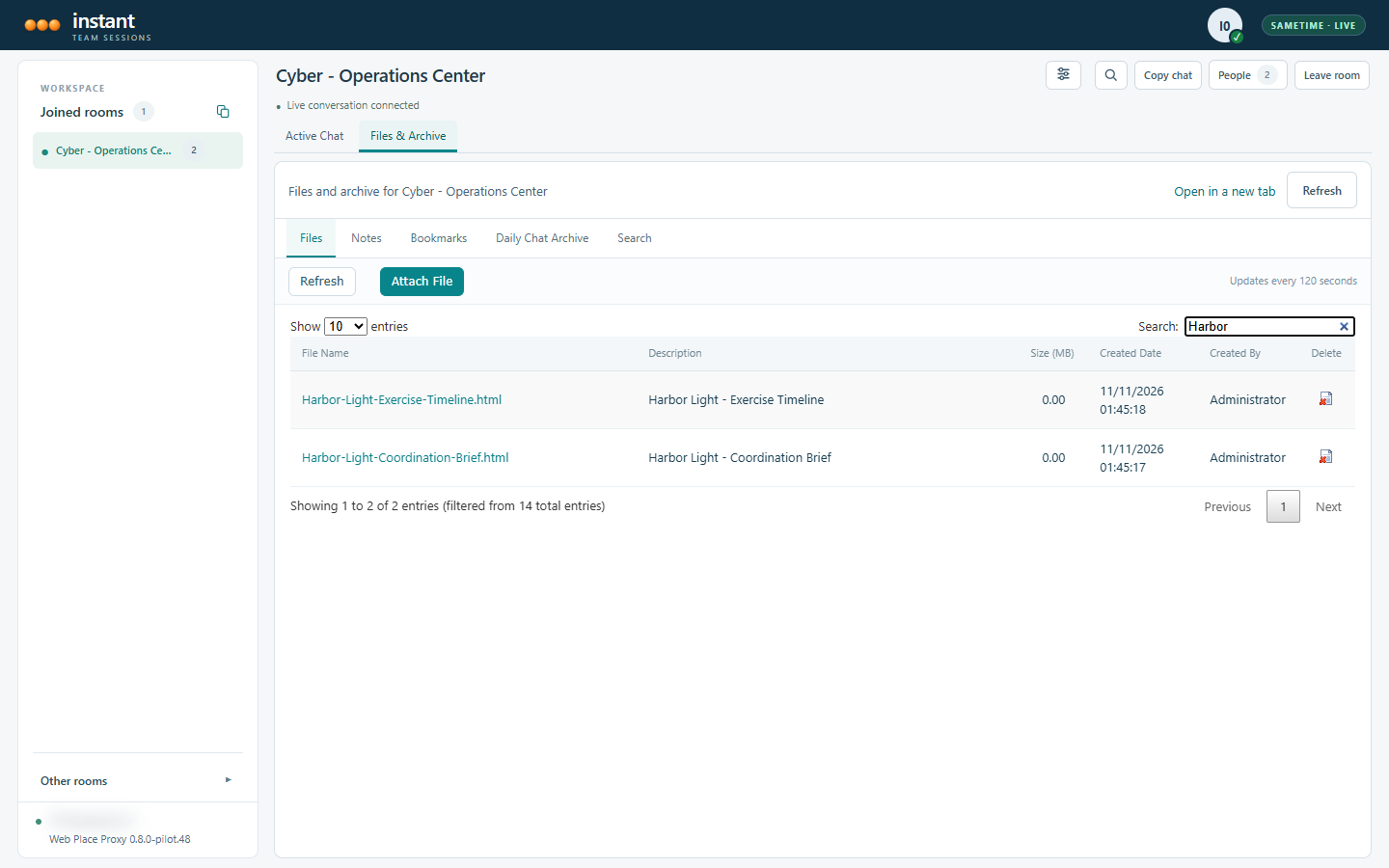
Alex Carter corrected the timing. Jordan Patel compared the observation with the exercise baseline. The team agreed to continue routine monitoring. In the Files tab, the coordination brief sits beside the timeline so Leah can check what informed that decision.
Leave the next check with a name
Sofia Bennett owns the handover and the 17:00 briefing. Daniel Brooks keeps the revised evidence recap. Leah acknowledges the outstanding check in the same room. A colleague coming on duty later can follow the decision back to its owners.